



Following the D version, the same developer has finally created the TB version.
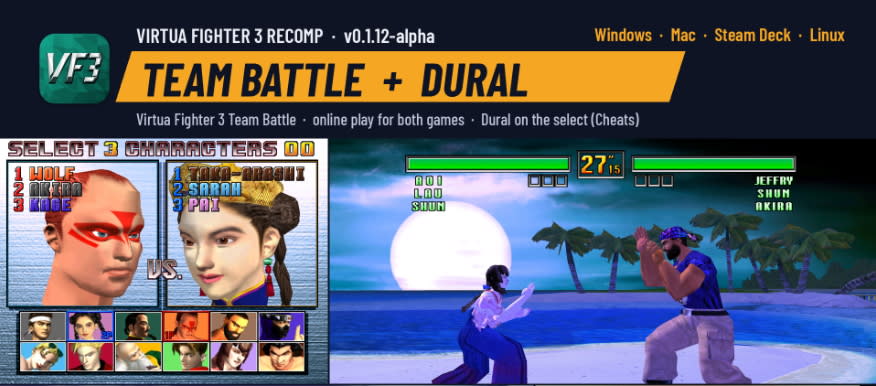
https://github.com/mr-finster/vf3-recomp/releases
As with the previous D version, download the Windows version.
After purchasing Virtua Fighter 3TB, extract the ROM or somehow acquire it, then place the TB version ROM file in the same folder.
Go into online mode, and from the existing Virtua Fighter menu, select Switch and Reset to change to the Team Battle version.
Then, after clicking online, go to settings below the random match menu to adjust the ping setting.
I set it to 80ms, so it only matches with players from Korea or Japan.
: If the game stutters after launching, go to Display -> 3D Renderer, select <GPU>, then close and restart the game to resolve the issue.
Let's bury the D version, the fun low-kick counter game I enjoyed for the past few days, in our memories.
Let's all meet in the TB version!